
About opendraw

A whiteboard you can make your own

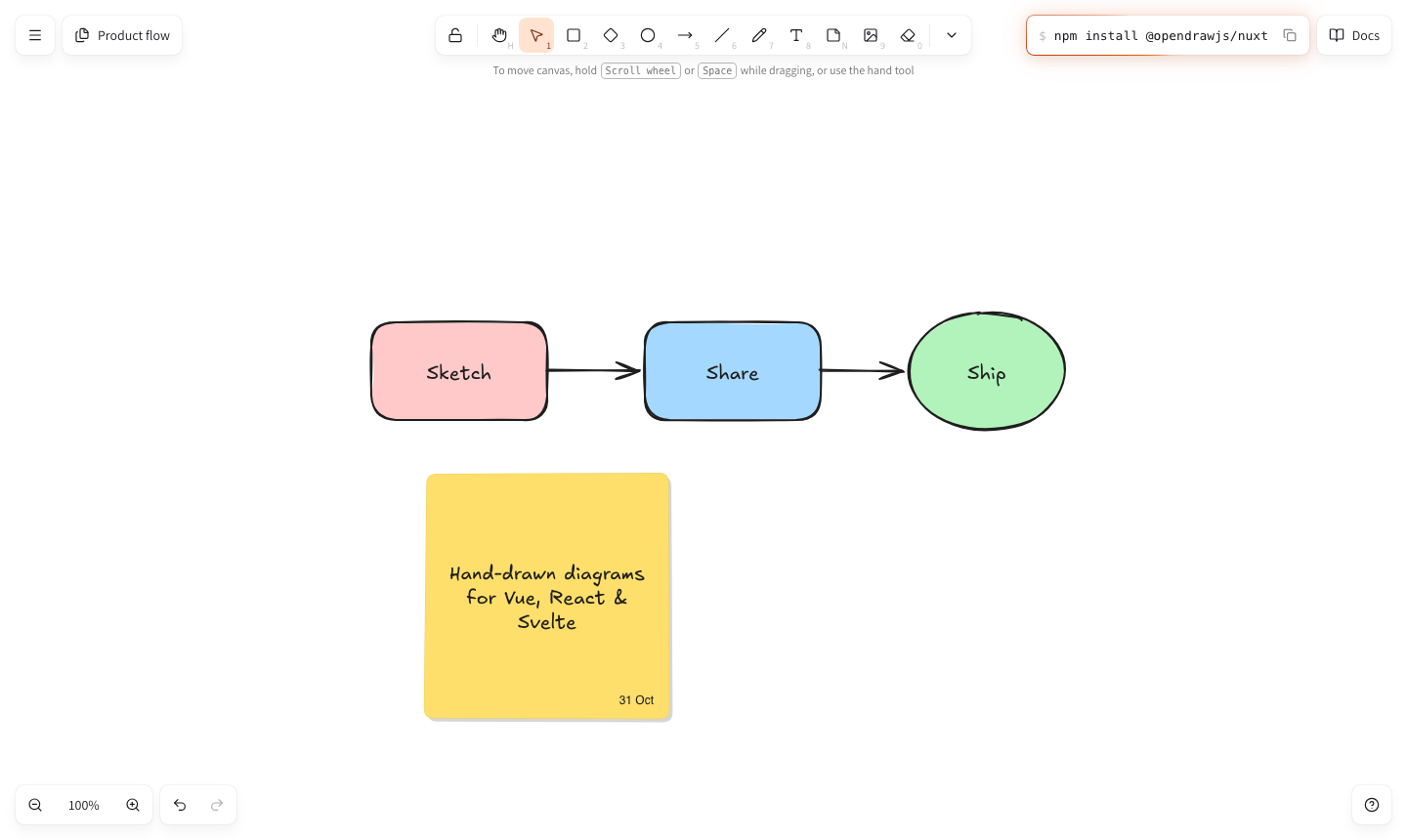
opendraw is a free, open-source whiteboard for hand-drawn diagrams. Sketch an idea, connect it with arrows, add a sticky note, then put the same editor inside your own app with one component.

The opendraw editor: Sketch, Share and Ship joined by arrows, and a yellow sticky note

What you can do

  • Draw anything

    Rectangles, diamonds, ellipses, lines, freehand strokes, text and sticky notes, all with a sketchy hand-drawn look.

  • Connect ideas

    Arrows snap to shapes and follow them when they move: straight, curved, or elbowed around whatever is in the way.

  • Keep it tidy

    Group, align and distribute, layer, lock, and gather related work into frames. Undo and redo every step.

  • Many drawings

    Create, rename, duplicate and search drawings in a sidebar. Each one saves itself as you work.

  • Share your work

    Export to PNG or SVG for docs and slides, or save an .opendraw file to keep editing later.

  • Any screen

    A roomy desktop layout, a phone layout with the tools at your thumb, pinch to zoom, light and dark themes.

Why opendraw

A quick sketch often explains an idea faster than a page of text. Hand-drawn whiteboards made that feel natural, but adding one to your own product usually meant embedding someone else's app in an iframe, or shipping a second UI framework alongside yours.

opendraw is that whiteboard as a native building block. Drop it into a Vue, Nuxt, React or Svelte app and it behaves like part of your product: your theme, your data, your interface around it.

How it's built

A framework-free core does the real work, the drawing model, history, geometry and rendering, and thin adapters connect it to each framework, so every version draws and behaves the same.

What it stands for

  • Native

    A real component in each framework: no iframe, and no second framework smuggled into your app.

  • Private

    Drawings stay in the browser. Nothing is uploaded, tracked or stored on a server.

  • Accessible

    Real buttons and menus, labelled controls, keyboard shortcuts for everything, reduced-motion support.

  • Open

    MIT licensed, typed end to end, and tested in real browsers across Vue, React and Svelte.

Questions

What is opendraw?

opendraw is a free, open-source whiteboard for hand-drawn diagrams: shapes, arrows, text, sticky notes and freehand sketches. You can use it right here in the browser, or add it to your own app as a single component.

Is opendraw free to use?

Yes. opendraw is open source under the MIT license: free for personal and commercial projects, with the full source code on GitHub.

Which frameworks does it work with?

Vue 3, Nuxt 4, React 18 or newer, and Svelte 5, each with a native component. For anything else, the framework-free @opendrawjs/editor package runs in plain JavaScript.

Where are my drawings stored?

In your own browser. Drawings save automatically to local storage and never leave your device unless you export them as a PNG image, an SVG file or an .opendraw file.

Does it work on phones and tablets?

Yes. The layout adapts to small screens, the toolbar moves to the bottom on phones, and you can pinch to zoom and drag with two fingers to move around the canvas.

Can I change how it looks in my app?

Yes. Colors come from CSS custom properties you can override, there are light and dark themes, and you can hide the built-in toolbar and panels to build your own interface around the canvas.

Is opendraw related to Excalidraw?

opendraw is an independent project. It is inspired by Excalidraw and uses the same hand-drawn font, but it is written from scratch and is not affiliated with the Excalidraw team.